01 · The problem
In a lead business, the spreadsheet is the inventory, and anyone can copy it.
When leads live in shared sheets and chat groups, every agent can see every lead, duplicates slip in and nobody can say who exported what. Qlead makes ownership, permissions and the audit trail part of the system.
02 · What it does
Inside Qlead.
- 01
Leads owned by the person who captured them
Lead generation executives add leads through the admin-built form or a CSV import and see only their own leads and their status. Process heads review the team's leads read-only; only an admin changes a lead's status.
- 02
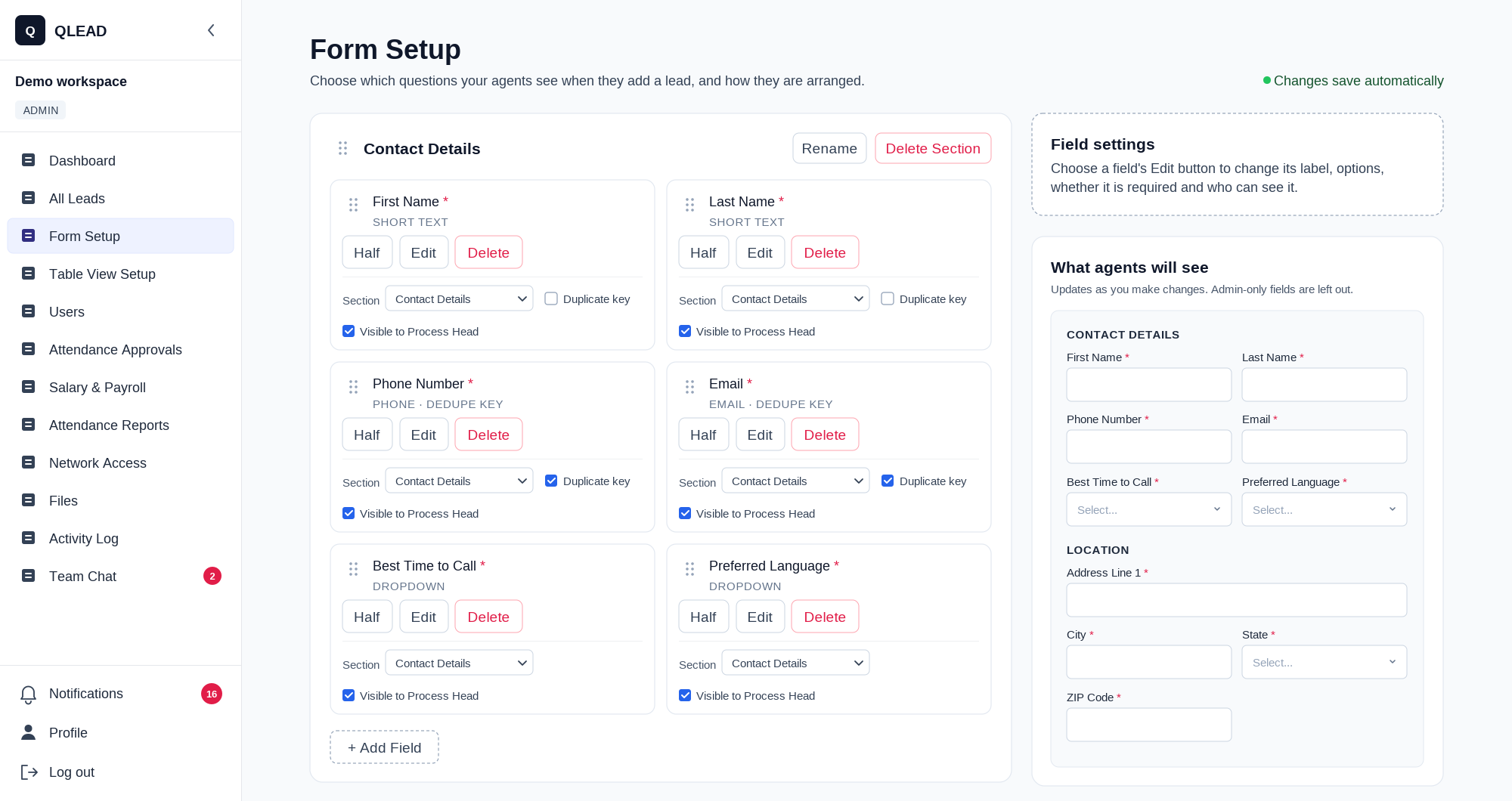
Access control down to the field
Role guards on every route, plus Read, Write and Update permissions per field. Admin-only fields, such as billing, are never sent to agents or process heads.
- 03
Sign-in only from approved networks
Employee sign-in is limited to approved IP addresses, login attempts are rate-limited, each person has one live session and idle sessions end after 90 minutes.
- 04
A pipeline the admin can see at a glance
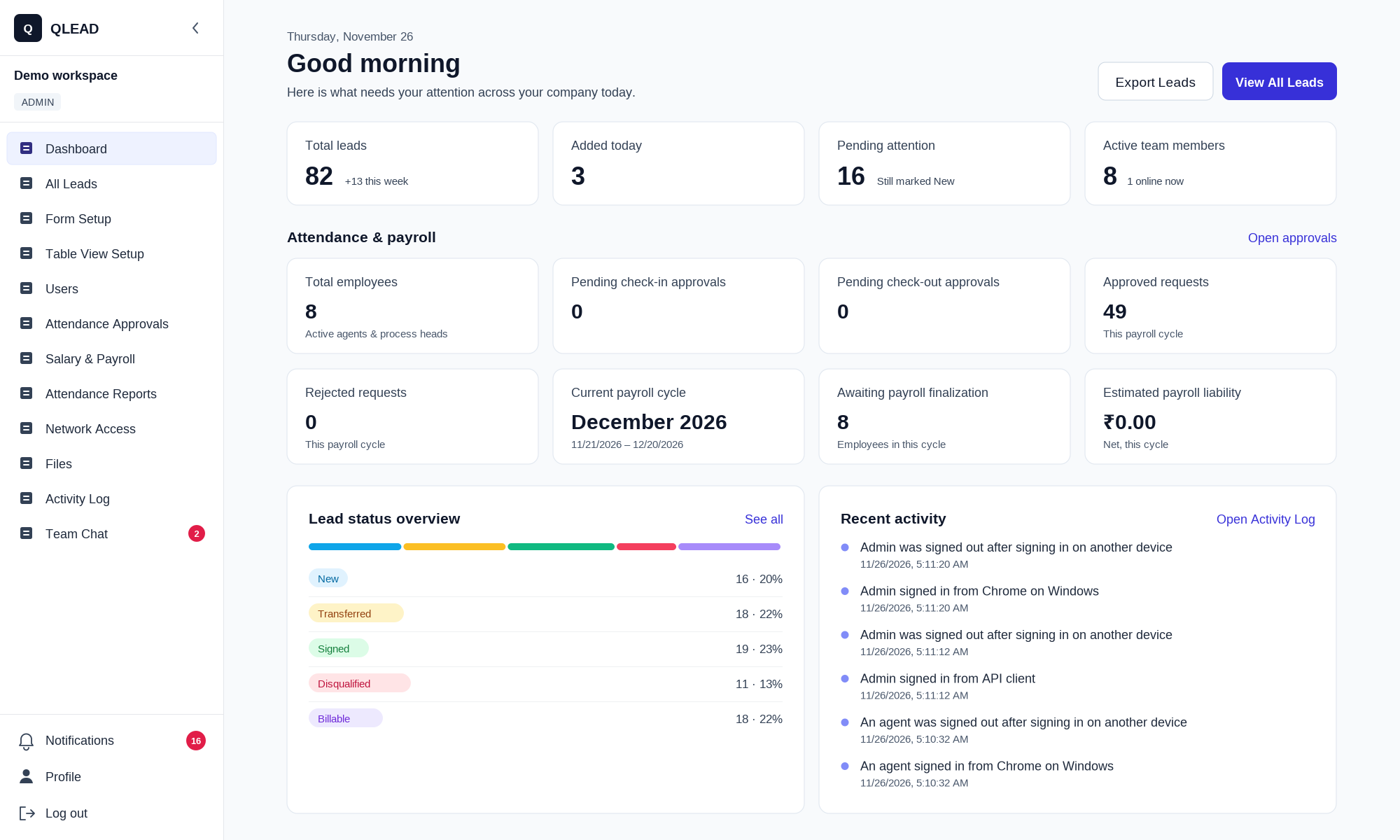
The admin opens on total leads, leads added today and leads still marked new, with the status mix across the pipeline and recent activity.
- 05
An audit trail nobody can edit
Sign-ins, session replacements, imports, exports, network and payroll changes are recorded with device and IP in append-only tables. Lead data is encrypted at rest.
Data protection controls
- Each company is an isolated tenant
- Lead data encrypted at rest (AES-256-GCM)
- Per-field Read, Write and Update permissions
- Approved-IP sign-in and one live session per person
- Append-only audit of sign-ins, imports and exports
Please note
These controls reduce the risk of lead data leaving the business and make it visible when data moves. No CRM can rule out misuse by someone with legitimate access, and Qlead is not a compliance certification.